
Plan your route
Enter your URLs below to generate a route with more than 10 destinations.
Step-by-step guide: how to use our service
Plan your route
Plan your route in Google maps. Go to Google maps, click on route, and enter all the places you want to visit on the left.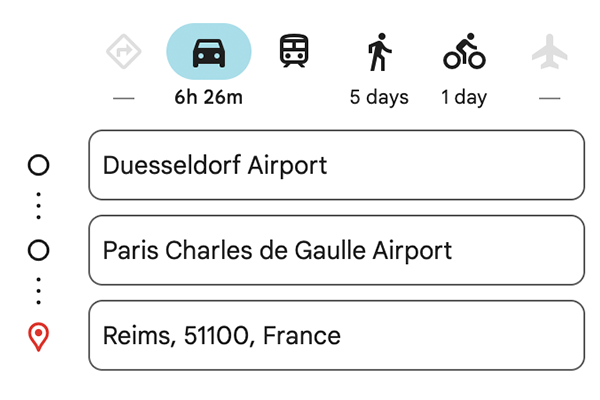
Copy the URL
Then you copy the internet address that you see in the address bar, in the first field above. Copy the url from your browser.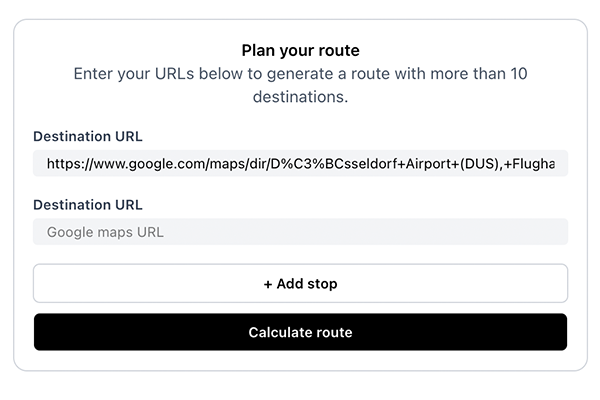
Add your other URLs
You now put together a new route in Google maps. You start at the last point where you stopped in step 2. If you have also completed this route, copy it in the second field above.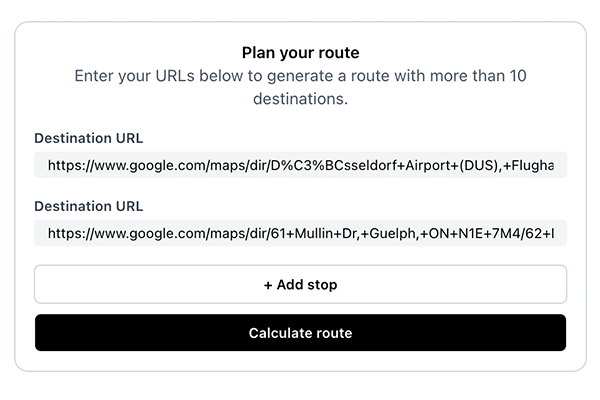
Submit
Click on 'Submit' as the last step. Both Google Maps urls are now combined into 1 route and 1 url, so easy!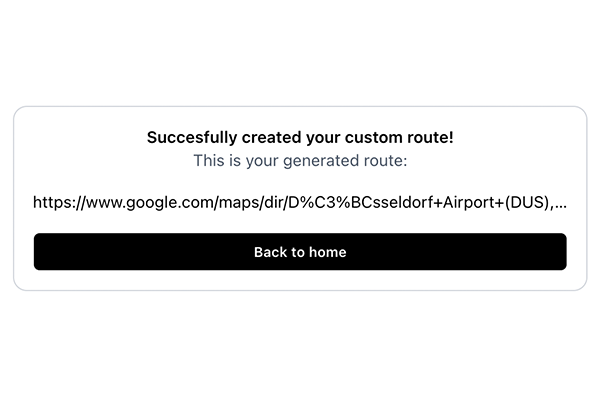
Frequently asked questions
Can I add more than 10 destinations on Google Maps?
Google Maps stops at 10 waypoints per route. Plan your trip in chunks, copy each URL, and paste them here. We merge them into one link you can open in Google Maps. Free, no account needed.
How do I add multiple locations on Google Maps?
In Google Maps, click the + button in the directions panel to add stops. You can add up to 10 per route. Hit the limit? Plan the next chunk as a separate route, copy each URL from your browser, and paste them all here. We combine them into one link you can open in Google Maps.
How many stops can I add to Google Maps?
Google Maps caps you at 10 stops per route, on desktop and mobile. That limit is built into Google Maps and can't be changed. Here, that 10-stop cap doesn't apply. Paste as many route URLs as you need and we'll combine them into one.
How do I add multiple destinations on the Google Maps app?
The Google Maps app on iOS and Android has the same 10-stop limit. Use MoreThan10 on desktop: plan your route in chunks in Google Maps, paste each URL here, and get one combined link. Open that link on your phone to navigate the full route in the Google Maps app.
Is there a workaround for the Google Maps destination limit?
Yes. Paste your URLs, click Calculate route, and open the result in Google Maps. You can also edit the Google Maps URL by hand in your browser, but that's fiddly and easy to get wrong.